Serve the customer at the counter
Look up products and barcodes, build a sale, apply permitted discounts and record payments. Customer accounts, returns and invoices stay connected to the sales workflow instead of being maintained in separate files.
 ProfoundOS
ProfoundOS Retail
Keep the sale at the counter connected to the stock on your shelves and the balances in your accounts. ProfoundOS Retail gives shop owners and their teams one workspace for everyday trading.
For retail shops and small businesses managing products, cash sales, credit customers and replenishment.
Apply for a workspaceEmail verification and Platform Owner review required.
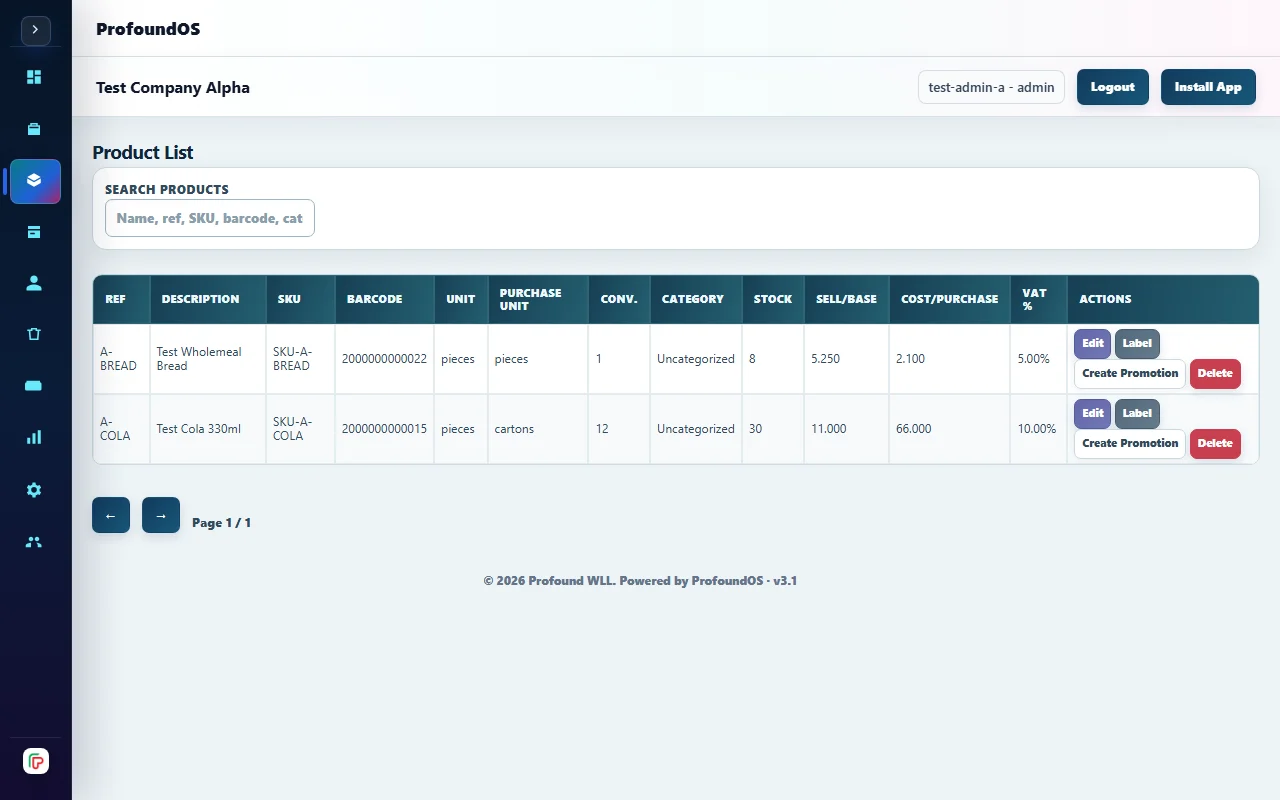
Daily sales and stock context, with the existing Retail navigation and controls. Demonstration data. Your own company records appear after sign in.
Built for your daily work
A busy counter leaves little time to reconcile separate billing, stock and payment records. A sale entered twice or a collection left on paper makes the next stock decision harder. Retail POS brings those related records into the same workflow, with separate Admin and staff access.
Look up products and barcodes, build a sale, apply permitted discounts and record payments. Customer accounts, returns and invoices stay connected to the sales workflow instead of being maintained in separate files.
Review available stock, manage suppliers and purchases, and move inventory between your configured warehouses. Sales and purchasing records give the owner context for replenishment without replacing the physical checks a shop still needs.
Review sales, customer outstanding balances, payments and collections alongside accounting and VAT reports. Invoices display BHD amounts to three decimal places. Your configured tax settings and business records still need to be correct.
From one step to the next
Set up products, prices, customers, suppliers and the stock locations used by your shop.
Use the staff POS workflow for checkout, invoices and the payment or customer credit associated with each sale.
Use sales and stock reports to check outstanding accounts, purchases and the next stock transfer.
Prepared devices can use the supported offline POS workflow. A first sign-in, workspace preparation and later synchronization require connectivity; installing the app alone does not prepare an offline workspace.
The application separates company Admin and staff permissions. Choose the appropriate role when setting up each user; a marketing-page visit grants no workspace access.
Apply through the existing onboarding flow, verify your email and submit your business details for Platform Owner review. Call Profound WLL to discuss your requirements or a product demonstration.
Talk to Profound WLL
Discuss your business, your requirements and a product demonstration.
Verify your email and submit business details. Workspace access follows approval.